Pixels
What is this?
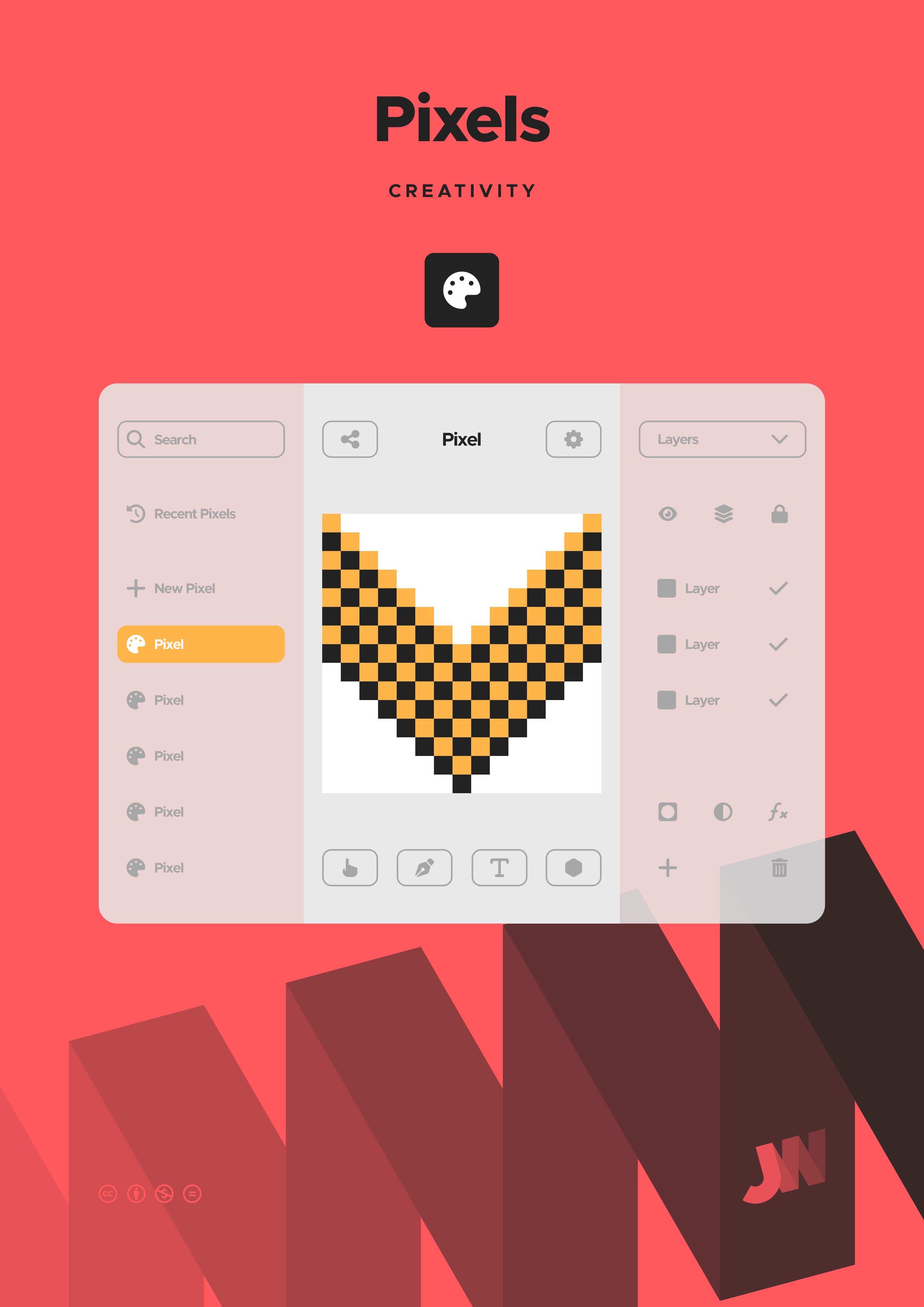
Pixels is an application for manipulating bitmap images composed of pixels through a range of non-destructive and destructive operations.
Some features of Pixels include:
- Canvas setup to define size, DPI/PPI, and colour mode;
- Selection tools such as rectangular, elliptical, lasso, colour range, etcetera;
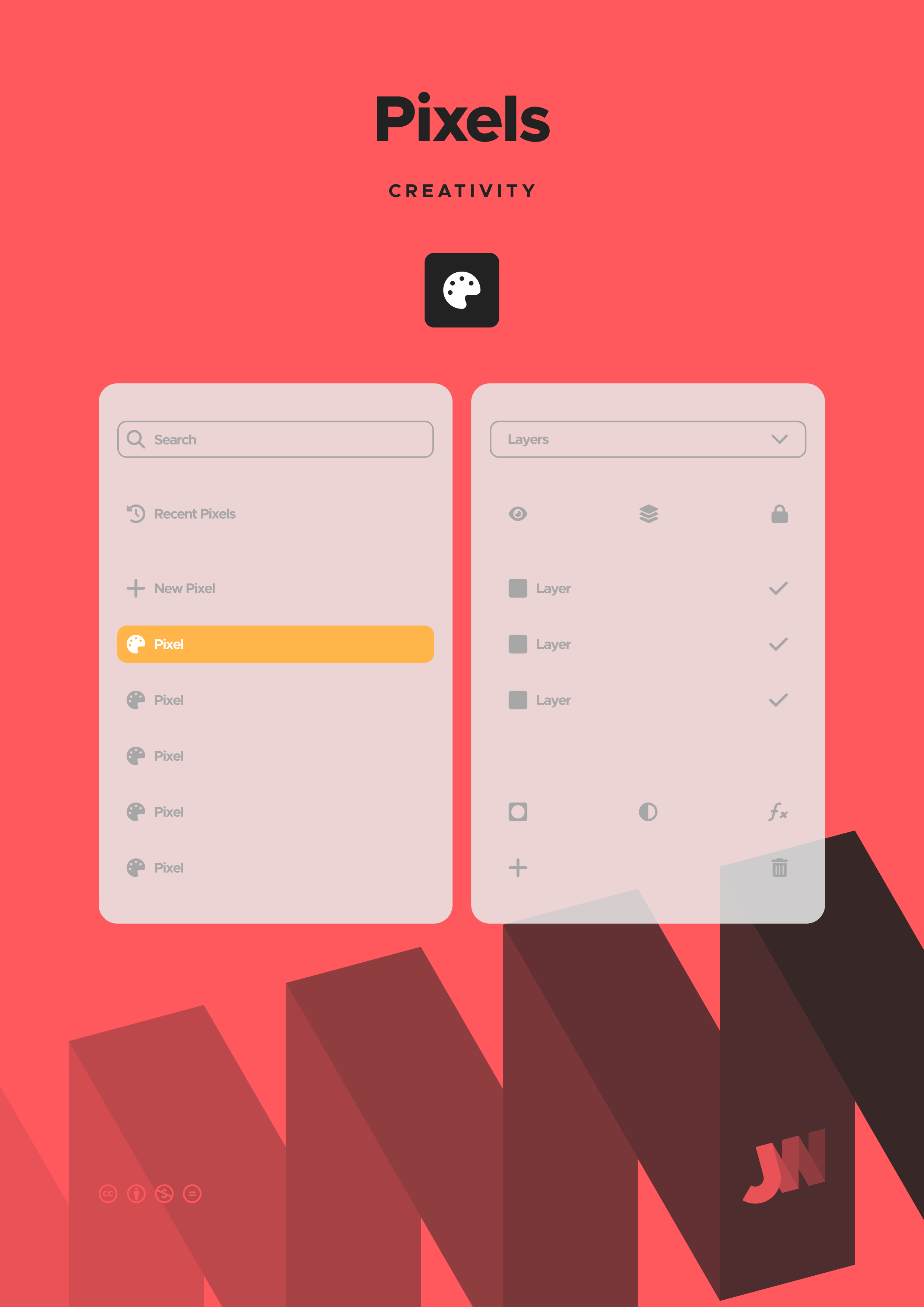
- Layer management with grouping, blending, masks, and opacity control;
- Adjustment layers, such as curves, levels, colour balance, exposure, brightness, contrast, vibrance, etcetera;
- Retouching with spot healing brush, healing brush, patch tool, clone stamp, and so on;
- Filters and effects, such as blur, sharpen, noise reduction, stylise, distortion, etcetera;
- Export as common raster image formats, layered image format, and PDF; and
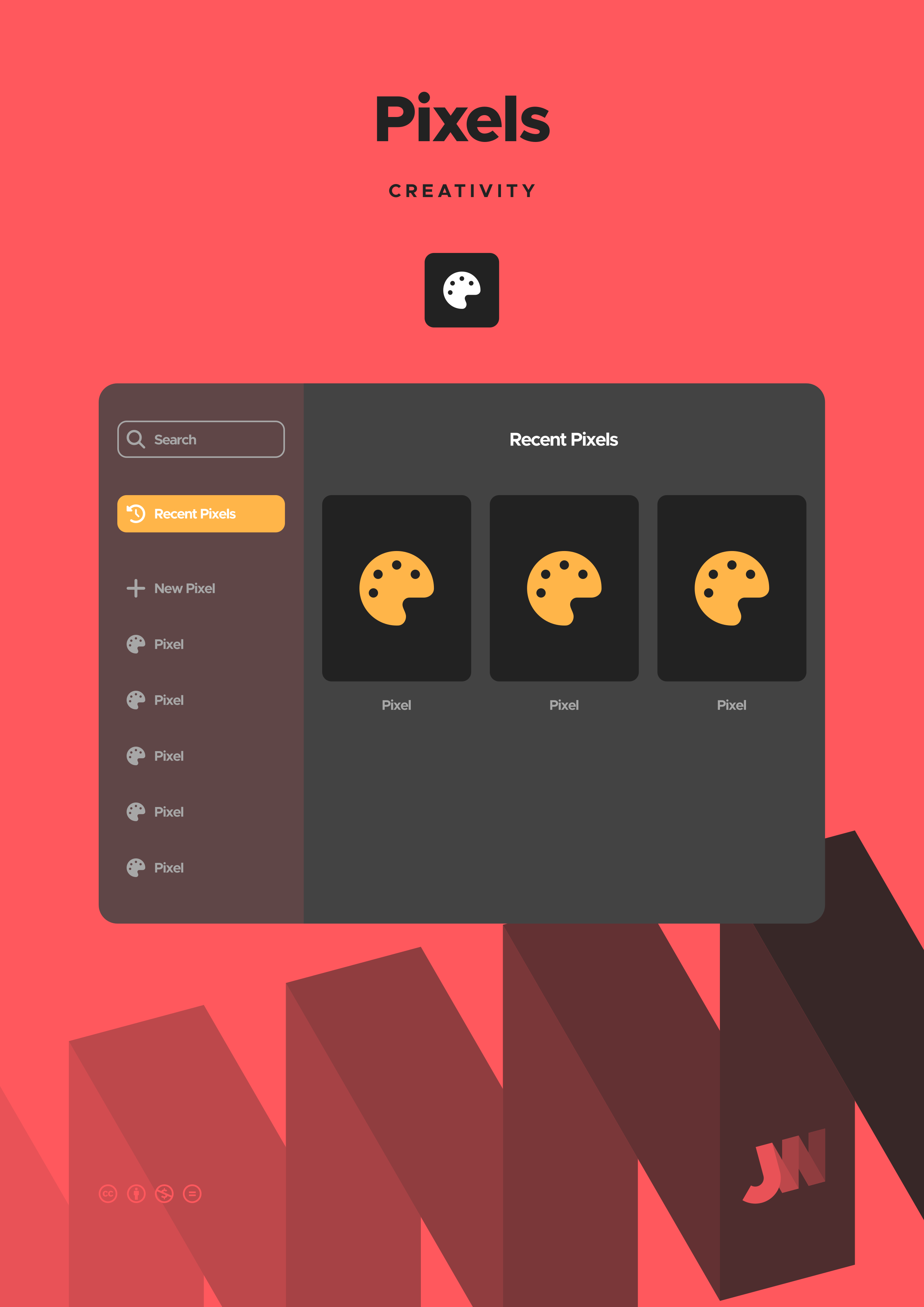
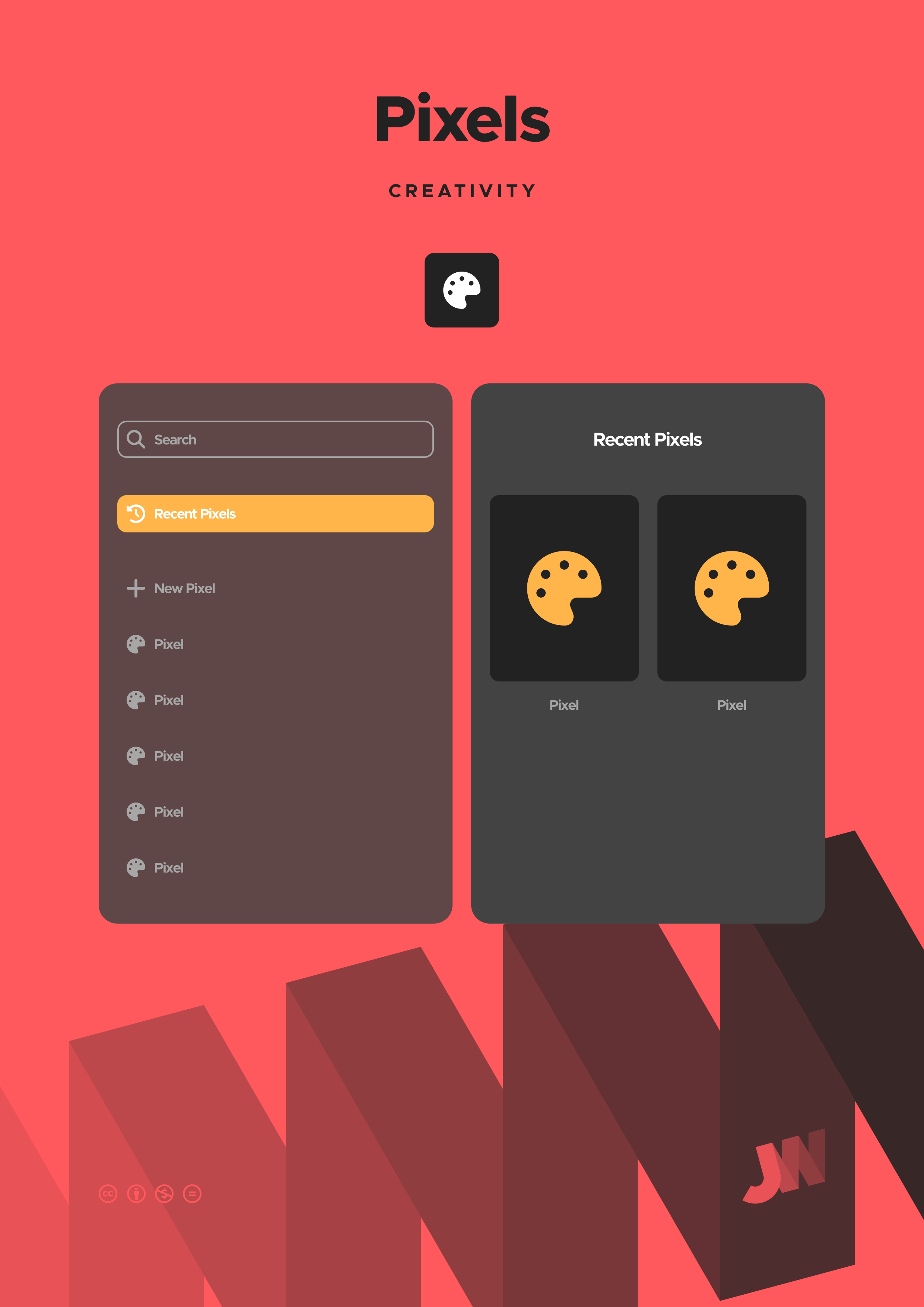
- Search pixels and view results.
Pixels
Manipulate the pixels of photos and artwork
Creativity
Applications

Beagle
Components
Beagle
Take it offline
Do you want to make use of Beagle without needing an internet connection? Do you want to print Beagle to hang it on your wall or bind it into a book? You can download a copy and use Beagle as you wish, so long as you abide by the terms of the license.
JarickWorks
These might interest you
Share
Send this page to your friends and family
Follow
Stay in touch with me on social media
Donate
Help fund my work if you want to see more
Hire
Commission me for branding and websites
Search
Find what you are looking for on JarickWorks
Settings
Personalise your experience of JarickWorks
Copyright
The JarickWorks copyright policy
Privacy
The JarickWorks privacy policy