Switch
What is this?
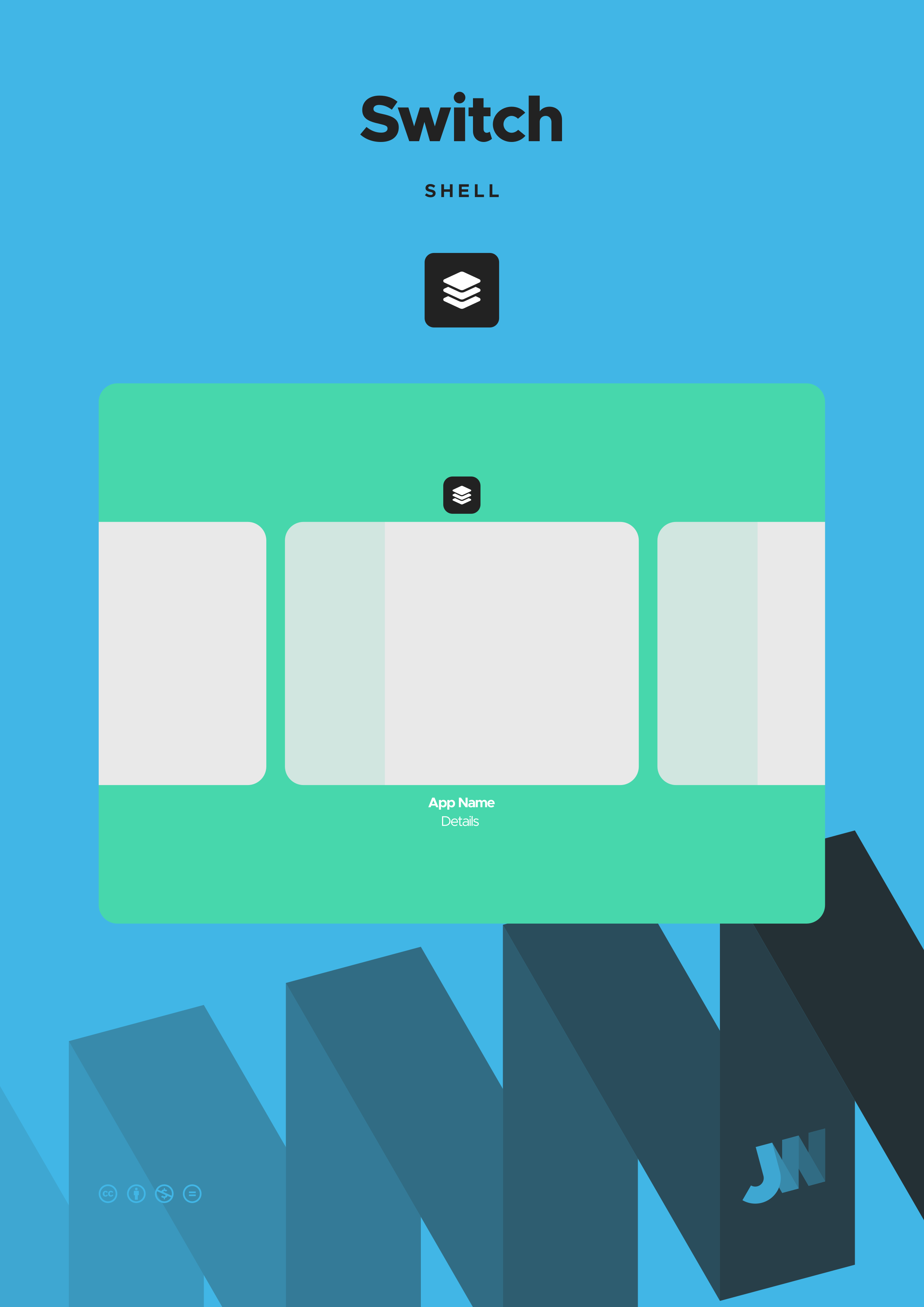
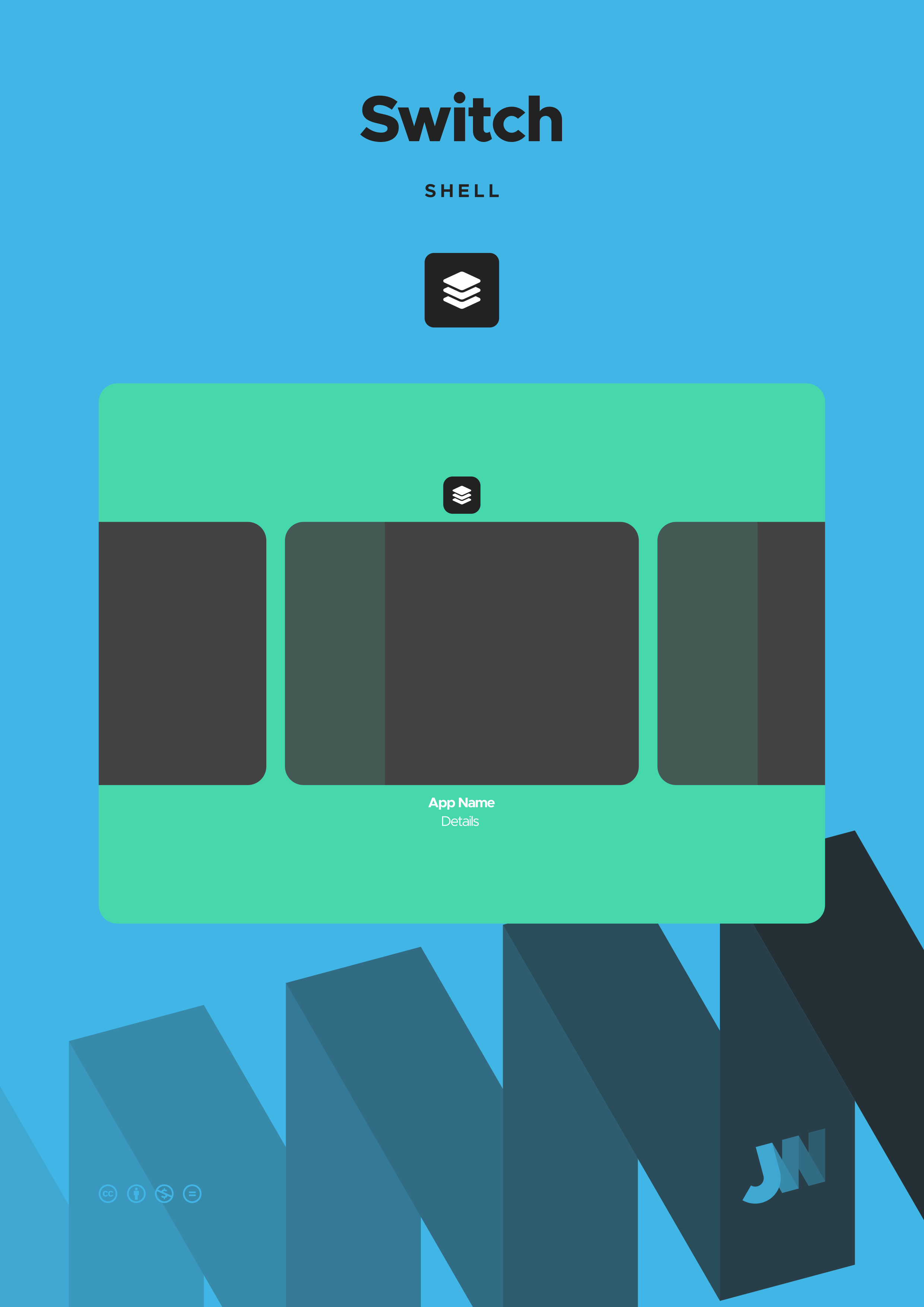
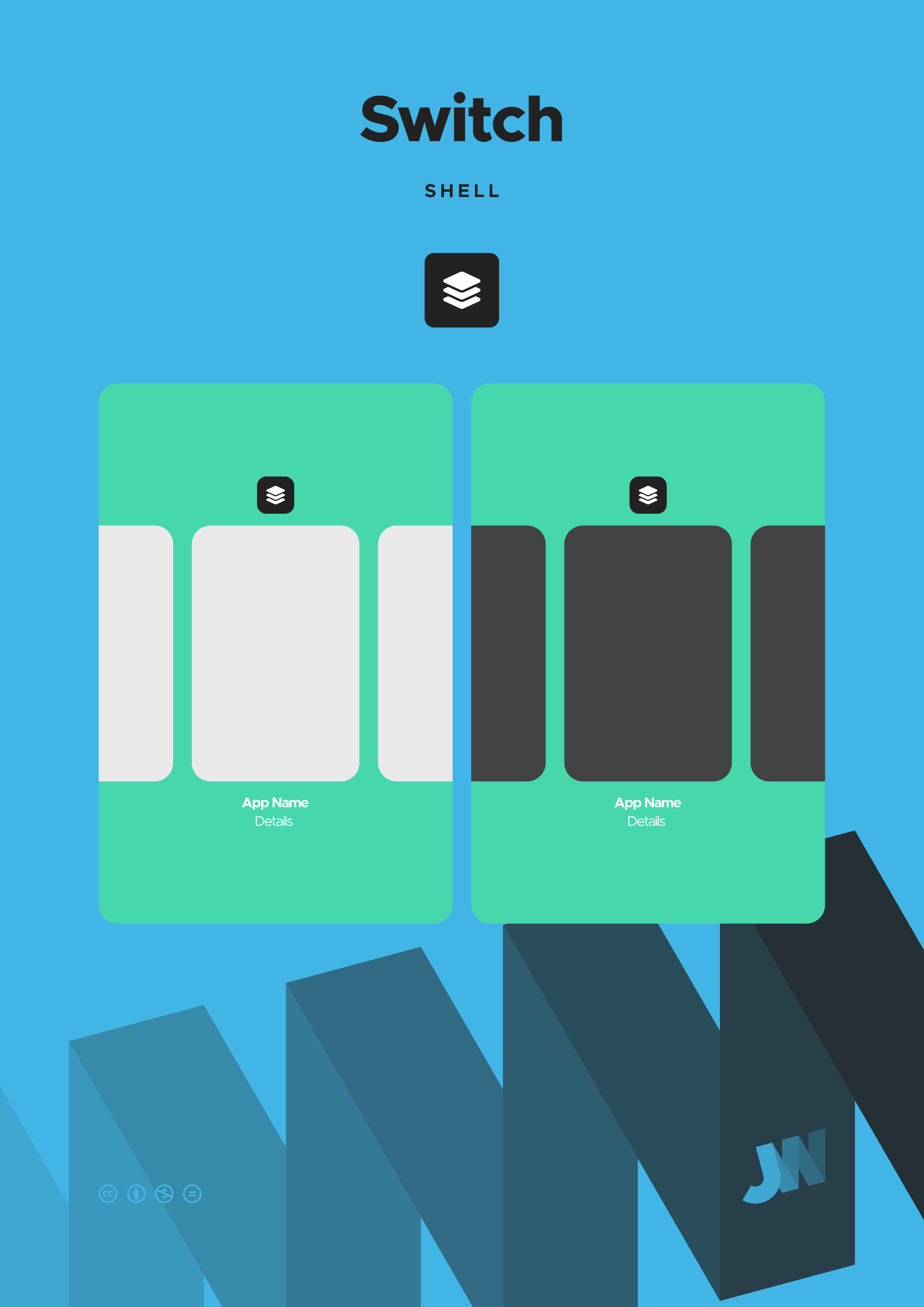
Switch is a component of the shell that enables users to quickly navigate between running applications, providing a visual overview of all currently active applications that can be cycled through using touch gestures, mouse interaction, or keyboard shortcuts.
Some features of Switch include:
- A visual preview that displays live previews of window content in a horizontal plane that extends off screen;
- Quick navigation with touch gestures, mouse scrolling, and keyboard shortcuts; and
- Ability to close applications by swiping up with a finger, dragging up with the mouse, or using the up-arrow key on the keyboard.
Switch
Switch between apps
Shell
Components

Beagle
Components
Beagle
Take it offline
Do you want to make use of Beagle without needing an internet connection? Do you want to print Beagle to hang it on your wall or bind it into a book? You can download a copy and use Beagle as you wish, so long as you abide by the terms of the license.
JarickWorks
These might interest you


Share
Send this page to your friends and family
Follow
Stay in touch with me on social media
Donate
Help fund my work if you want to see more
Hire
Commission me for branding and websites
Search
Find what you are looking for on JarickWorks
Settings
Personalise your experience of JarickWorks
Copyright
The JarickWorks copyright policy
Privacy
The JarickWorks privacy policy